Mobile Evidence in Cyber Incident Response
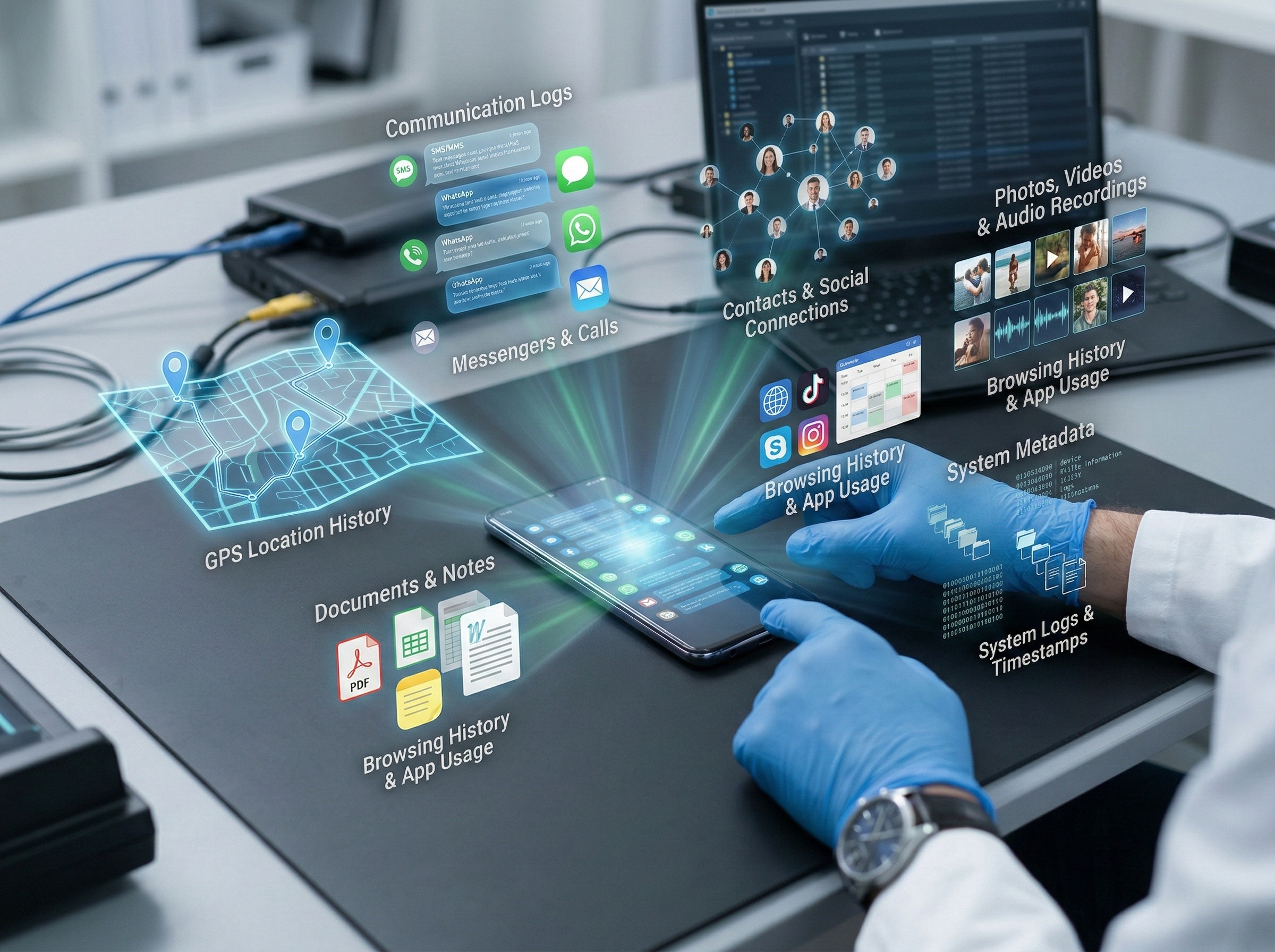
Speed matters in cyber incident response. The first hours determine what evidence survives. Mobile devices present a unique challenge: they generate evidence constantly, delete it automatically, and often sit outside corporate control. A text message confirming unauthorized access, a WhatsApp thread showing data transfer instructions, or a call log establishing timing—these artifacts can establish intent, knowledge, and sequence in ways that server logs alone cannot. But only if you know where to look and how to preserve them defensibly.
Why Mobile Evidence Matters in Cyber Incident Response
Security telemetry usually centers on endpoints, servers, and cloud logs. Yet many decisive actions now occur on handheld devices. That includes link clicks, credential entry, MFA fatigue prompts, and chat-based coordination.
When a phone is involved, the timeline can change quickly. An SMS lure can arrive outside corporate email controls. A chat message can move a target to a “safer” channel. Mobile artifacts can show intent, timing, and the first point of compromise.
Smishing and Chat-Based Intrusions in Cyber Incident Response
SMS phishing, often called smishing, is direct and personal. It commonly impersonates IT support, delivery services, payroll, or executives. The goal is simple: get a tap, then get credentials. Chat-based attacks use the same psychology with better engagement. Adversaries exploit WhatsApp, Telegram, and other messaging apps. They may start with a benign question. Then they push a file, link, QR code, or callback request.
Cyber incident response teams should treat these channels as primary ingress paths. Key mobile traces often include:
Full message threads and timestamps.
Link preview metadata and redirect chains.
Attachments, including files saved to the device.
Browser history and download lists tied to the lure.
Evidence of MFA prompts or authenticator changes.
Speed matters here. The longer the delay, the more likely the thread is deleted. Some apps also use disappearing messages.
Common Mobile Blind Spots for IR Teams
Most incident response programs have limited visibility into mobile devices. This creates critical gaps during triage and scoping—exactly when evidence matters most. Four recurring blind spots appear across organizations.
BYOD consent delays. Personal devices complicate collection. Teams hesitate to request access, even in serious incidents. That hesitation costs time and increases the risk of inconsistent handling across custodians.
Encrypted messaging limits server visibility. Even with strong device management, message content from WhatsApp, Signal, iMessage, and similar apps may not be captured centrally. The device becomes the only reliable source—which means mobile collection cannot be skipped.
Mobile data is fragmented. Evidence scatters across cached browsers, embedded webviews, app-specific storage, and cloud syncing. A single device can require collection from multiple locations within the device itself.
Off-channel coordination spreads impact. During incidents, people share screenshots, credentials, or sensitive data informally to help resolve things faster. These exchanges expand the incident scope and create compliance exposure that may not show up in monitored channels.
Pre-Planning Reduces Response Time
A practical fix is to establish mobile collection protocols before the next incident. Define which incident types automatically trigger mobile collection. Pre-approve workflows with legal and HR so hesitation does not delay response. Align on privacy boundaries, regional rules, and consent procedures upfront. When an incident occurs, execution becomes routine rather than negotiated in real time.
Preserving Mobile Records for Legal Follow-Up in Cyber Incident Response
Mobile artifacts often become part of a formal follow-up in cyber incident response. That may involve employment action, insurance claims, regulatory response, or litigation. Preservation must be defensible, not improvised.
Start with scope discipline. Collect what is relevant, and document why. Over-collection raises privacy risk. It can also slow down analysis and review.
Next, protect integrity. Maintain a clear chain of custody. Record who initiated the collection, when it occurred, and what was captured. Track transfer and access events.
Plan for production needs. Counsel and regulators may require searchable exports. They may also need metadata showing participants and timestamps. Screenshots rarely meet that bar.
Finally, keep communication professional with custodians. Explain what is being collected. Clarify what is out of scope. That improves cooperation and reduces disputes later.
Operationalizing Mobile Collections With PME
PME combines targeted remote collection (PME Collect) with browser-based review and case management (PME Review) to close the mobile evidence gap in cyber incident investigations. The platform is purpose-built for defensible extraction and analysis of mobile communications under time and regulatory pressure.
Speed Without Sacrificing Scope
Remote workflows eliminate delays when response windows are tight. PME Collect guides custodians through collection without requiring onsite technicians or device shipping, reducing friction during active incidents. Collections can be scoped by app, contact, date range, or other criteria to limit irrelevant data capture.
Comprehensive Coverage Across Messaging Platforms
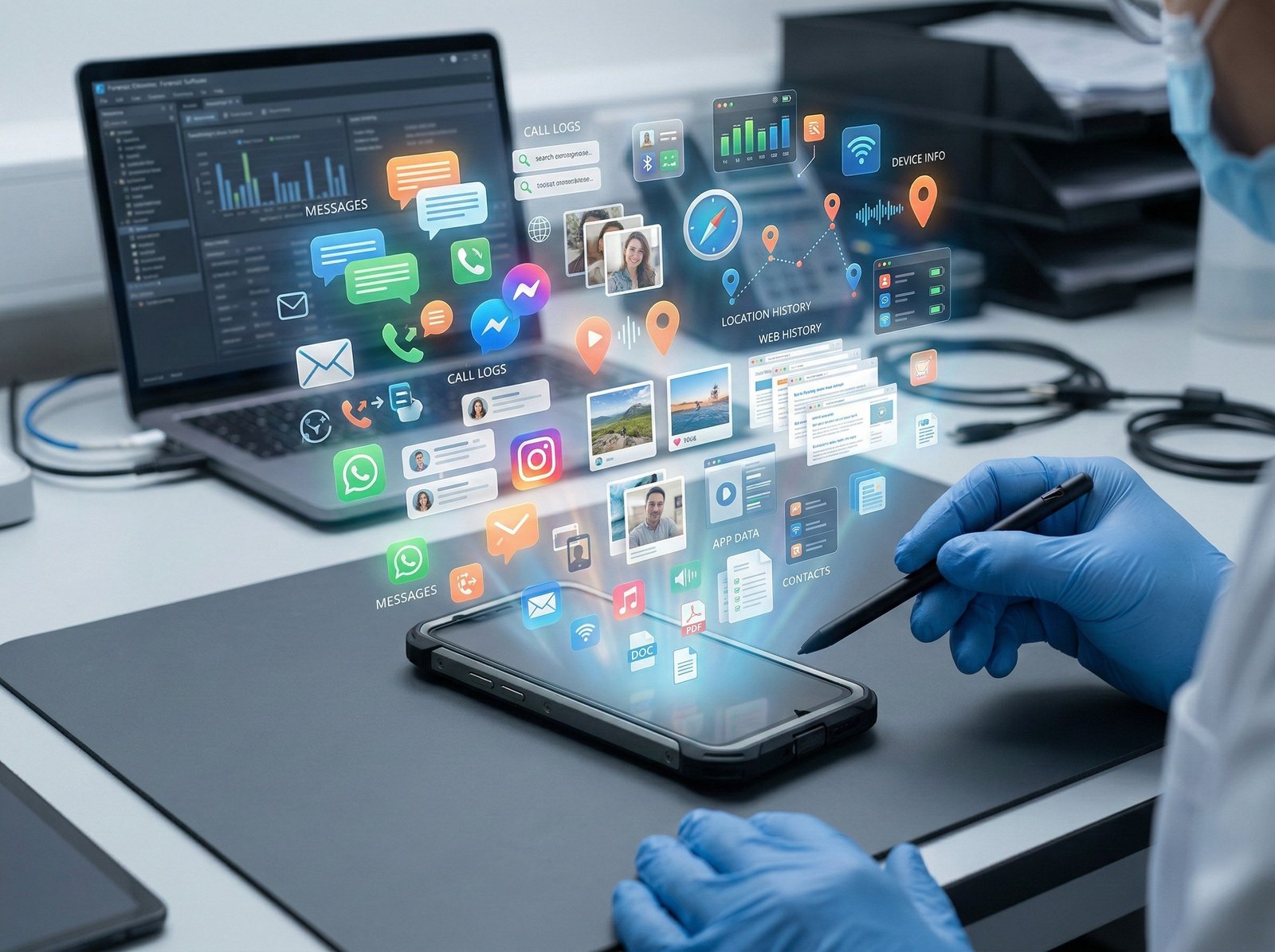
Mobile evidence lives in multiple places. PME captures SMS, iMessage, WhatsApp, WeChat, Viber, and Line alongside attachments, call logs, contacts, and other device artifacts. After acquisition, PME Review enables search, tagging, redaction, commenting, and export to standard legal formats—turning raw mobile data into investigation-ready records.
Defensibility Built In
Cyber investigations often face regulatory or legal scrutiny. PME embeds documented workflows, comprehensive audit logs, and chain-of-custody documentation to withstand admissibility challenges. Security controls—including encryption, role-based access, and configurable retention—protect sensitive data throughout the process. For organizations with data residency requirements, regional storage options align to jurisdictional compliance needs.
Closing the Mobile Gap
This integrated approach lets teams divide responsibilities effectively. Security focuses on containment and eradication. Legal and compliance work with review-ready records. Investigators correlate mobile communications with network and identity evidence. The result: faster triage, stronger attribution, and defensible evidence chains.
Request a PME demo to integrate mobile evidence collection into your cyber incident response runbook and map the workflow into your escalation process.
FAQ
What types of evidence can be collected from mobile devices during a cyber incident?
Mobile devices can yield critical evidence including application logs, call/SMS records, geolocation data, browser history, cached files, installed applications, network connections, and deleted data recovered from unallocated storage. This evidence often establishes timelines, user behavior, and connections to compromised systems or threat actors.
What are the main challenges in collecting mobile evidence?
Key challenges include device encryption, varying operating systems (iOS vs. Android) with different acquisition methods, volatile memory that's lost on device reset, manufacturer-specific configurations, and the need for specialized tools that may not work across all device models. Additionally, authentication and warrant requirements differ by jurisdiction.